Tuesday, September 13, 2016
2D Class Week 03 (One,Two, Three Perspective)
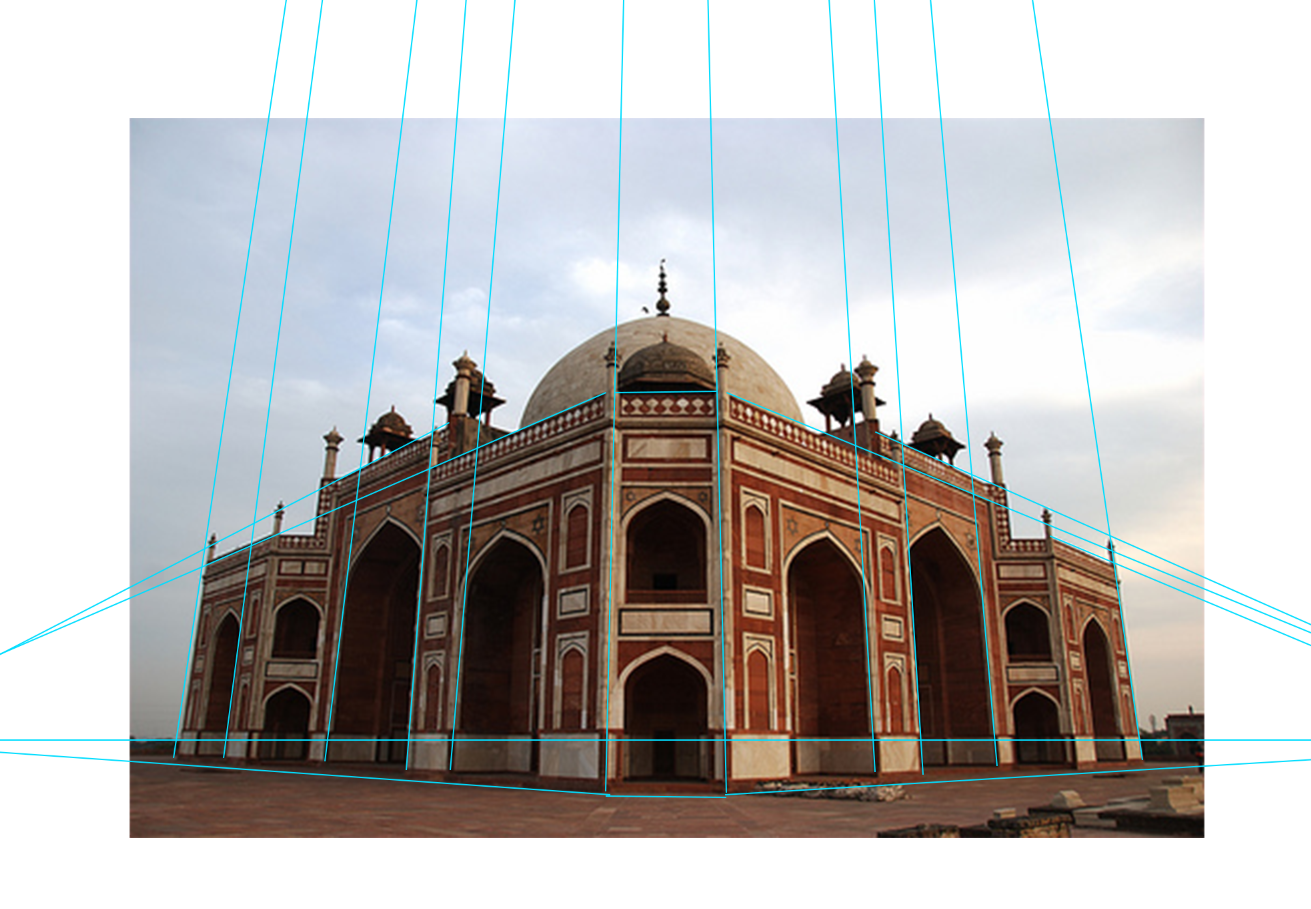
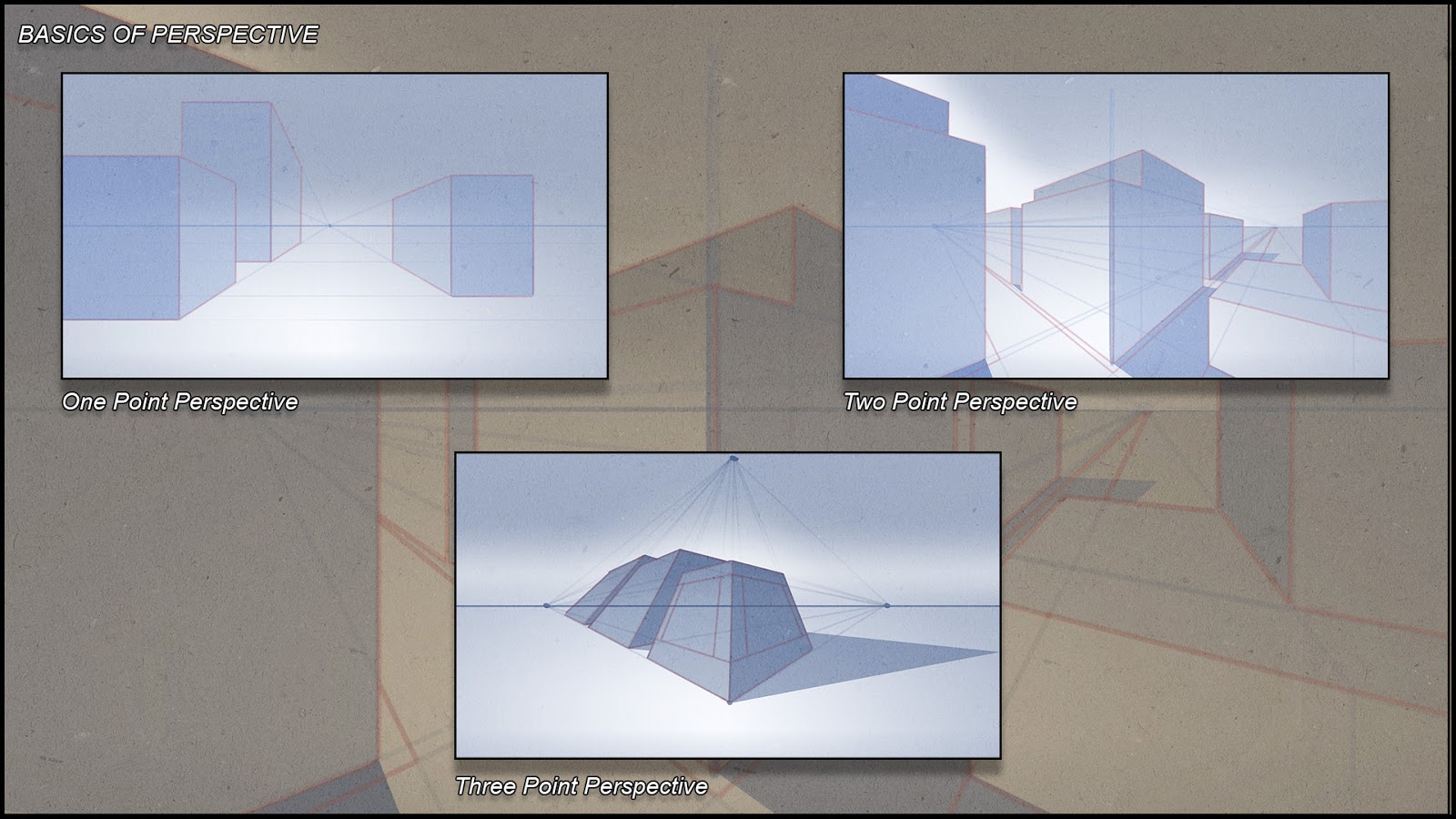
This week's assignment was to find a reference image of three point perspective and draw it. I put my process here starting with drawing some lines over the image to see where the points converge. Then on a new document I roughed in some basic shapes. Then I cleaned it up a bit more and roughed out some shading. The last is my final work where I drew solid lines and shading. I spent almost exactly 1.5 hours on this which is what we're supposedly supposed to spend on these homeworks although if I had more time I would definitely add more details and blend the shading. At this point though I have other homework due and I'm having to prioritize a bit.
Lego Group 2
I'm on a group with Matthew T., Hez, Tiffany, Yun Hao, and Kendall.
Friday, September 9, 2016
Week 03 Lego Project Part 01
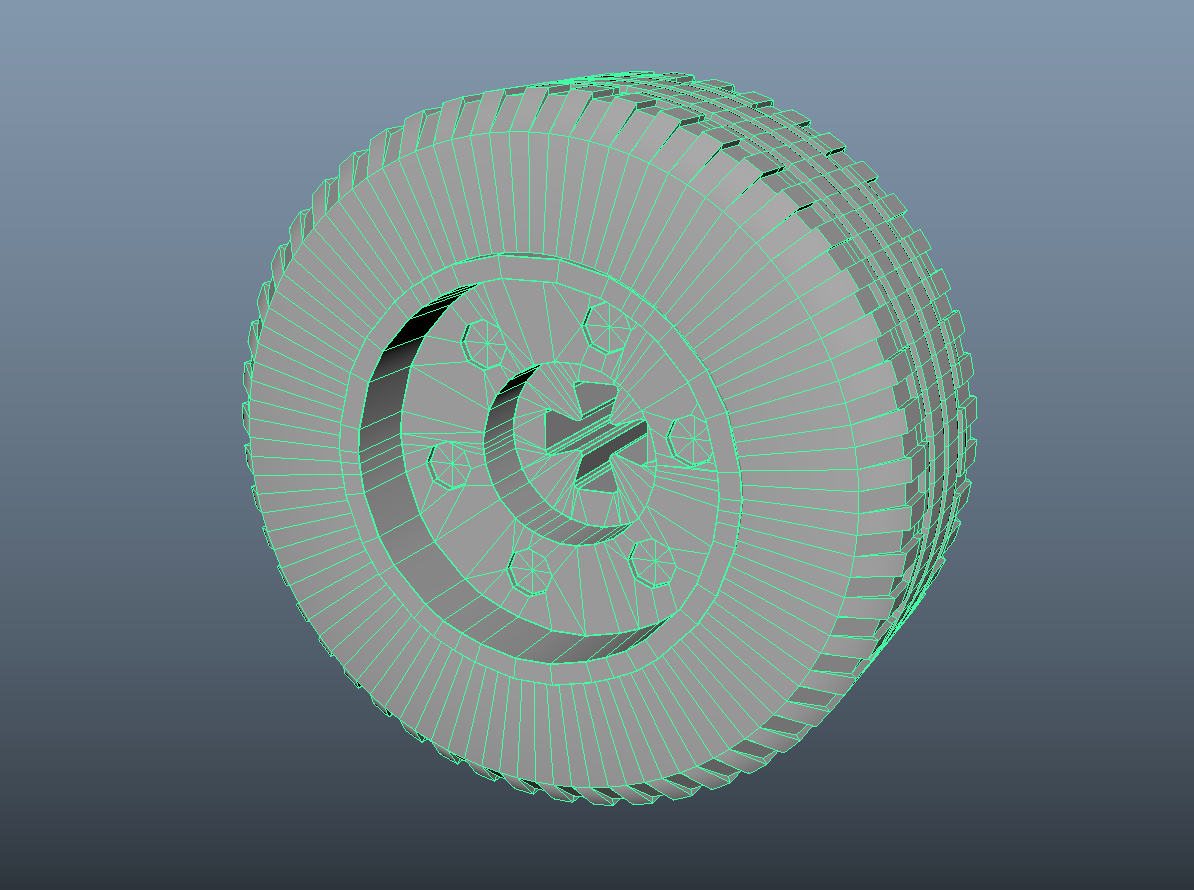
This week's assignment was to choose a Lego part to model in Maya and then work in teams to make something with everyone's unique pieces in UE4. I chose to make a tire. This is my first time doing any serious modeling in Maya and I thought I could learn a lot by making a tire and I wasn't wrong. So I made the actual rubber tire part separate from the inner rim. I think the hardest part was creating the bolt holes and to be honest my edge flow isn't great on that part but there aren't any NGons at all so I'm pretty darn happy. I learned a lot and a huge thanks goes out to everyone who helped me work on this and tried to come up with different solutions to the various problems I encountered along the way. Overall, model probably took about 8 hours to make, what with watching multiple videos and getting help and opinions from peers.

Alr
Alright, on to the fun part of building something from all the different Lego's everyone made. I was on a team with Ryan and Michael and we decided to make a car from the start what with me creating the tire. Michael worked on a connector piece for the tire and Ryan created the Lego people. Once in UE4 I created the race car you see below as well as all the materials while Michael created the race track area and Ryan created the stadium seats and crowd. Overall, I'd say it took about three hours for me to create the car and all the materials we needed and then I merged the files and arranged everything in our scene. This team was awesome and I'm glad I had the opportunity to work with such talented people!
Alr
Alright, on to the fun part of building something from all the different Lego's everyone made. I was on a team with Ryan and Michael and we decided to make a car from the start what with me creating the tire. Michael worked on a connector piece for the tire and Ryan created the Lego people. Once in UE4 I created the race car you see below as well as all the materials while Michael created the race track area and Ryan created the stadium seats and crowd. Overall, I'd say it took about three hours for me to create the car and all the materials we needed and then I merged the files and arranged everything in our scene. This team was awesome and I'm glad I had the opportunity to work with such talented people!
Tuesday, September 6, 2016
Lego Team
My team is comprised of Ryan Hill (Group Lead) and Michael Vogel.
Monday, September 5, 2016
2D Art Week 02 Assignment Basics of Drawing Shape
This week's assignment was to pose two mannequins using ZBrush and then render them with Photoshop by blocking out shapes and using tone.
Here is my ZBrush composition:
Starting to block out shapes for my drawing:
Adding some highlights and cleaning up lines:
Smoothed and cleaned up lines, added gradient to background, added gradient to figures to make lower halves darker:
Saturday, September 3, 2016
3D Class Week 02 (Minecraft-ish Level)
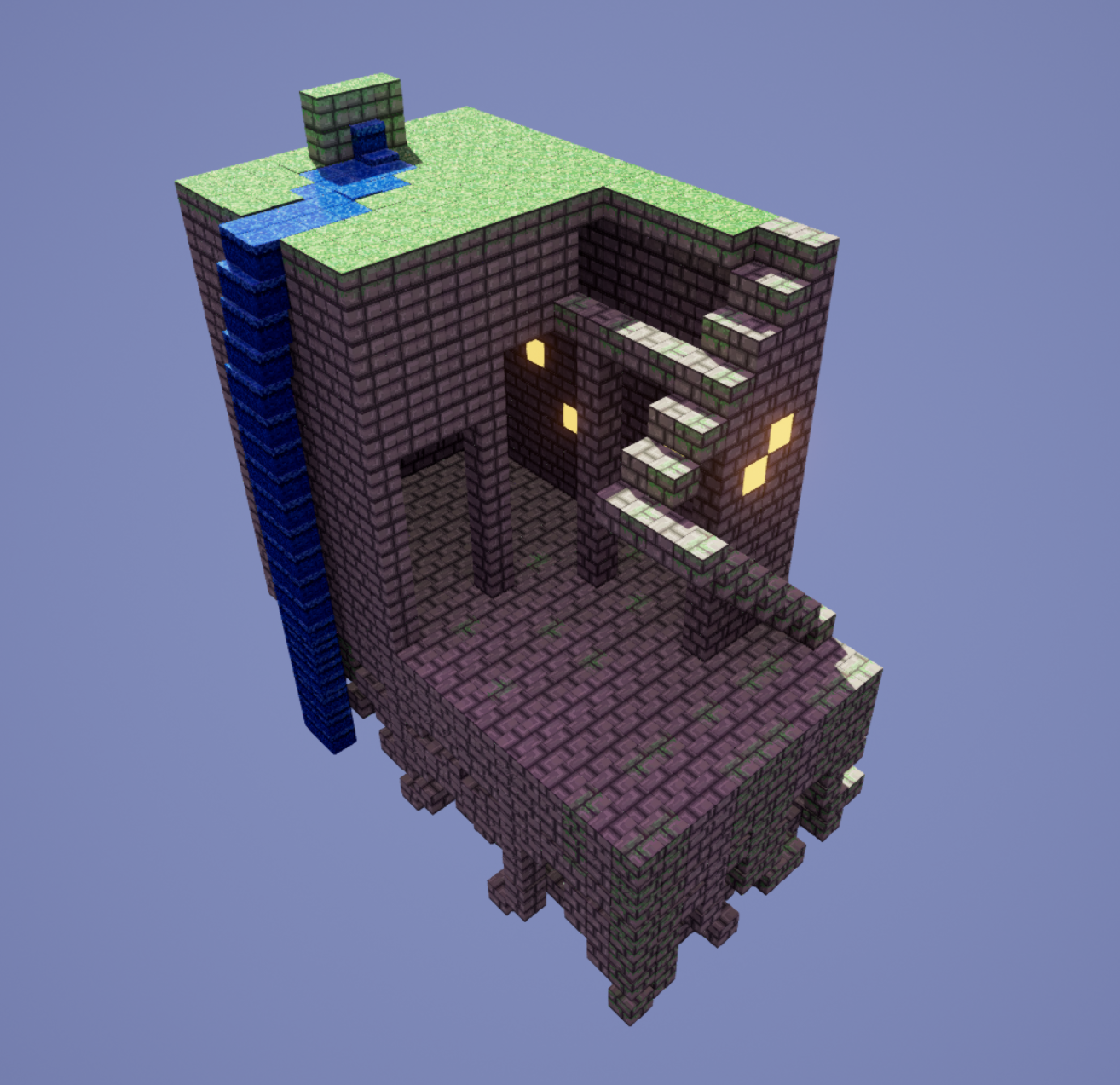
This week's assignment was to create a beveled cube in Maya and texture it using UV's and Photoshop. We needed to create three textures and then import everything into Unreal Engine 4. Once that was complete, we were tasked with using the cubes and textures to create an interesting scene. I really wanted to create a mountain with a snowy peak and some waterfalls. Overall, I'm pleased with my results. I played around with different ways of making the mountain and I'm pretty sure if I added just one more cube Unreal would have just quit on me. I spent the better part of a day making this. I'd estimate that I spent just a bit over an hour making the cube and textures, and probably four or five hours just playing in Unreal and trying to figure out how to make a mountain.

Edit: So I saw some other people in my class creating buildings and I was really inspired to try and create my own. Spent about two and a half hours making textures and creating this scene. Inspired by this:

Edit: So I saw some other people in my class creating buildings and I was really inspired to try and create my own. Spent about two and a half hours making textures and creating this scene. Inspired by this:

Friday, September 2, 2016
Animation Assignment 2 Ball Bounce
This week's assignment was to create a basic ball bounce. This is my second time animating and I watched a few tutorials so I could feel more comfortable using the graph editor. Overall, I'm really happy with the progress from last week to this week. My goal was to get a video that could loop properly. Spent about 3 hours in total with watching tutorials and playing around in Maya.
Subscribe to:
Posts (Atom)